BigCommerce powers roughly 42,000 live stores worldwide and processed over $34 billion in sales in 2025. For retailers in Ireland, the UK, and beyond, BigCommerce offers a convenient and effective eCommerce platform, helping brands easily reach their most valuable customers.
There is, however, one catch. The address entry autocomplete on BigCommerce does not always deliver complete addresses for customers, and doesn’t function at all in most regions. This results in a slower checkout process, human errors, and costly missed deliveries and delays.
Fortunately, there is an easy fix for this that allows retailers to receive comprehensive address data, regardless of the country an order arrives from.
The small issue with BigCommerce address validation
For retailers seeking to provide customers with a more convenient checkout experience, BigCommerce do offer an autocomplete solution. However, this system can struggle to always provide the complete address for every customer.
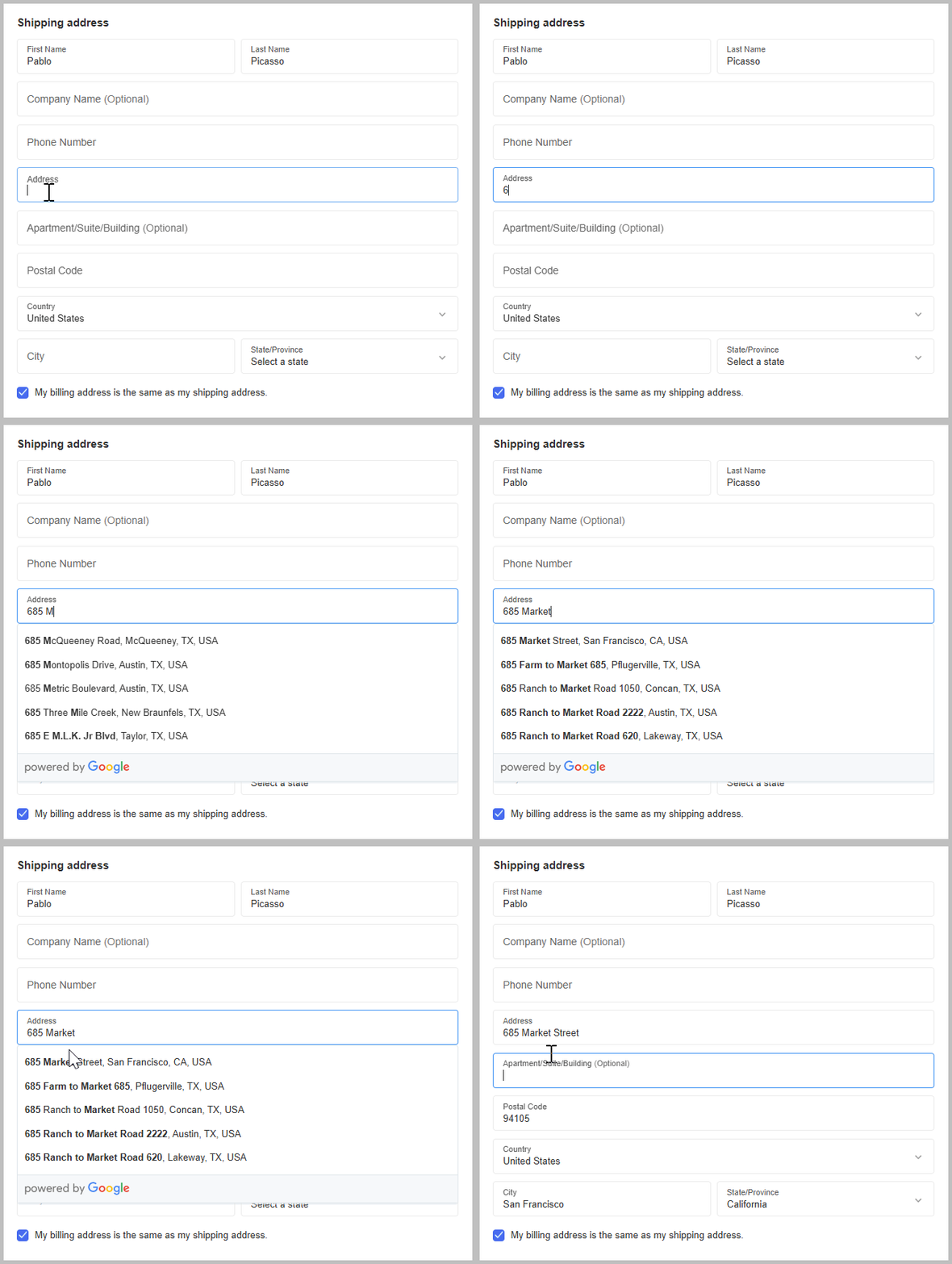
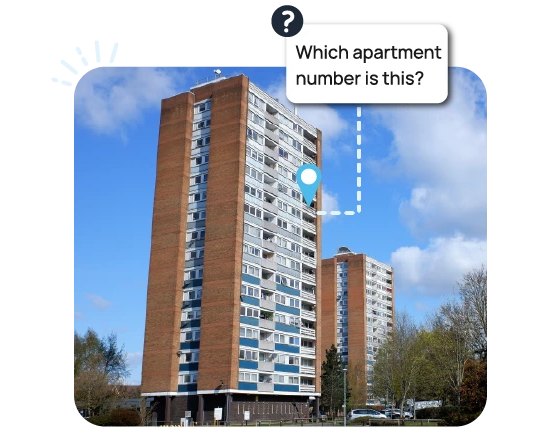
Firstly, as this autocomplete pulls from Google Places data, it does not deliver complete addresses. Apartment buildings, for instance, can all share one address on Google Maps, but that address does not help a courier understand which floor a customer actually lives on. When Google Places is used within an autocomplete, these incomplete addresses can be selected by users, complicating the delivery process.
Secondly, this solution only goes so far. Retailers need to install the Places API themselves, and Google only offer the first 10,000 lookups for free, with merchants charged after reaching this threshold.
Finally, this address data is not always formatted in a way that your customers will recognise or understand. Different countries write their addresses in different styles, and a rigid autocomplete dropdown can add confusion when the fields presented do not match the local system.
All of this leads to issues on the customer and fulfilment side. In the UK, for example, BigCommerce mandate that customers input their postcode manually, indicating that the existing address field was failing to accurately and consistently capture this vital information. As BigCommerce themselves put it, these postcodes must be provided “to prevent incorrectly autofilled shipping and billing addresses”.
Irish addresses: A bigger problem
The above issues all relate to BigCommerce’s existing address autocomplete feature, but this option is not available everywhere. Outside of five countries (The UK, USA, New Zealand, Australia, and Canada) there is no address validation system available at all for BigCommerce retailers.
This means that Irish customers must enter their address manually, with no verification in place to catch inaccurate, incomplete, or undeliverable addresses. This also adds time and friction to the checkout process, increasing the chances of cart abandonment and human error.
As limited as the Google Places autocomplete feature is, the reality is therefore even worse for the majority of regions, who have no option other than manual entry.
The solution
Fortunately for BigCommerce retailers, a simple fix allows for every user to quickly enter their complete and accurate address information.
The Autoaddress app installs from the BigCommerce App Store with no code and no Google Cloud account, and replaces the default address fields with a lookup that works in more than 250 countries, Ireland included. Suggestions go down to the individual apartment or business unit rather than stopping at the building, and every address is checked against authoritative data from Eircode, Royal Mail and USPS. The form adapts to local conventions for each country, and the data lands in your order in the format your fulfilment system expects.
This results in a faster checkout, increased address accuracy, and fewer missed deliveries.
To try it for yourself, download our plugin from the BigCommerce App Store today.